LowQart • Low Quality Art • video loopstation

Record. Loop. Share.

LowQart is short for Low Quality Art: a loopstation app for creating music with recording, looping and arranging audio + video in beatsync. No need for professional hardware, no expensive and complicated software for your PC — just a simple music recording app for your pocket.
Beatsync loopstationNo AI involvedWorks offline
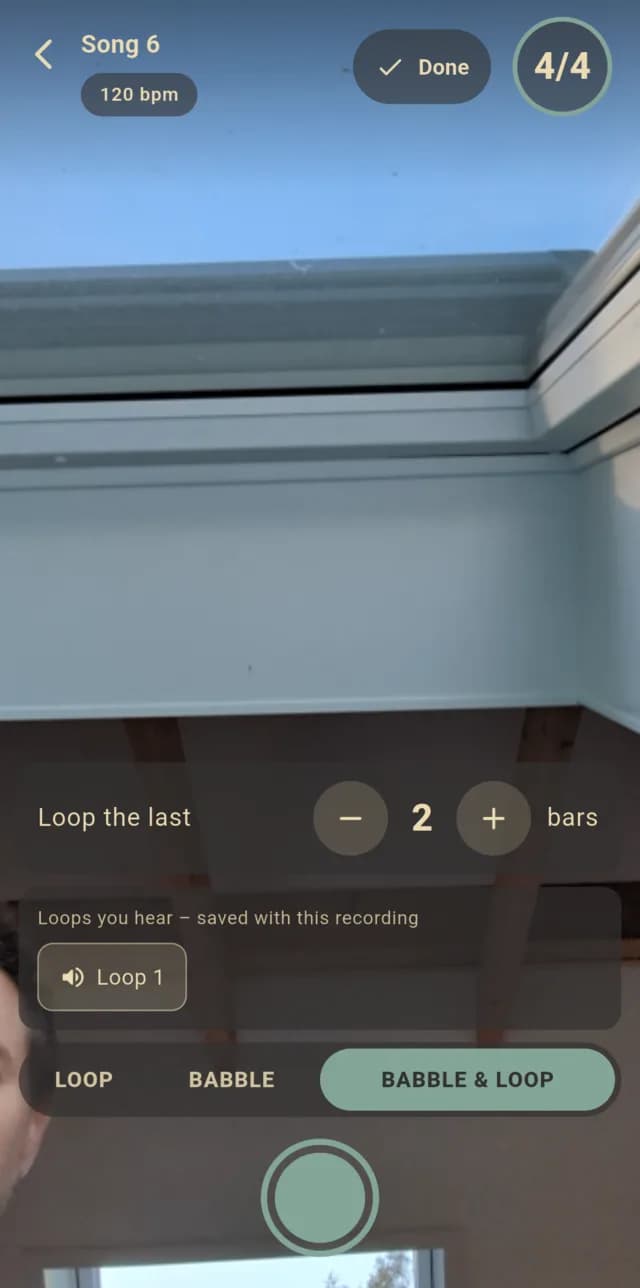
LowQart recorder — the front facing camera running, mode Babble & Loop selected, ready to record
Straight from the app — low quality included.

A simple flow that stays out of your way

Record what is on your mind as quickly as possible — and end up with a music video instead of an mp3 nobody watches.

Principle

Even if it’s only for the future-you, when you don’t want to forget the melody you came up with in the bus or tram.

1
Record a loop
Front facing camera on, two bars of count-in — 1, 2, 3, 4 · 1, 2, 3, 4 — and the metronome keeps you in beatsync. Stop anytime: the loop is cut to whole bars.
2
Loop, babble & layer
Pick which loops you hear and stack the next one on top. Talk over them in Babble mode — or let the last bars of your babbling become a new loop. No samples, no background instruments — you record them all on your own.
3
Arrange
Decide how often each loop repeats and drag the parts into order. Tap a part to hear it on its own, set its volume or record it again. Your song builds up part by part.
4
Export & share
COMMUNITY SOON
LowQart renders your music video right on the phone. Save it or upload it to Instagram, TikTok, Youtube or Snapchat.

Inside the app

Four screens are all it takes: your songs, the recorder, the arrangement and the finished video.
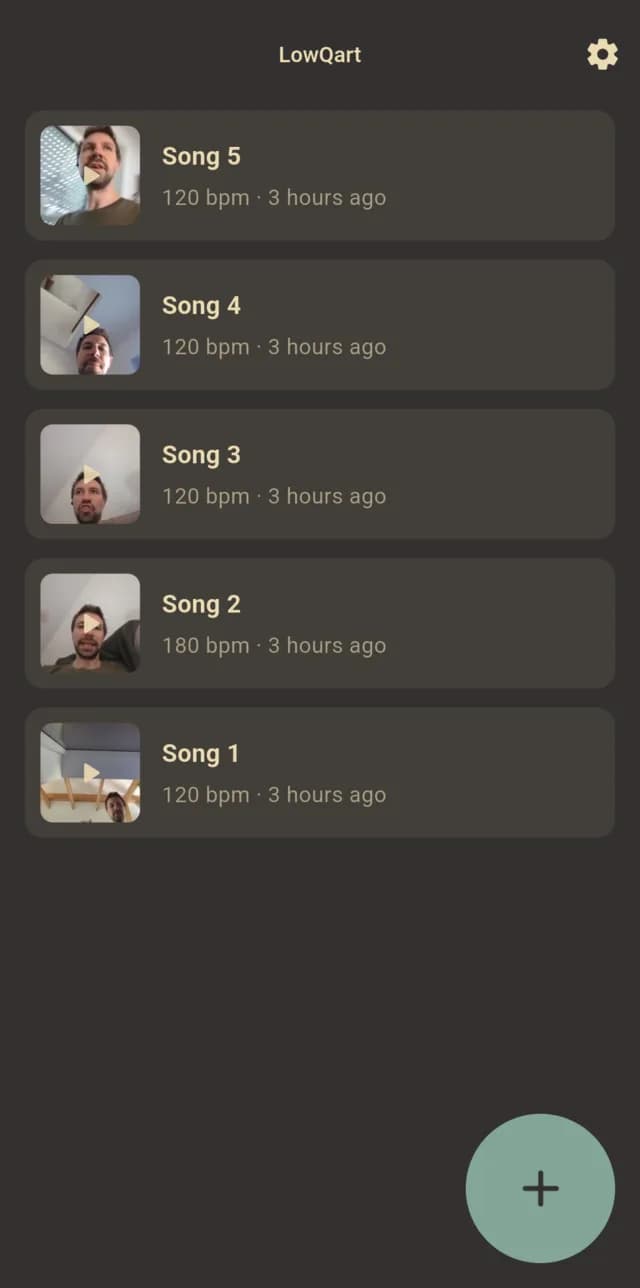
LowQart song list: one card per song with thumbnail, title and tempo
Your songs
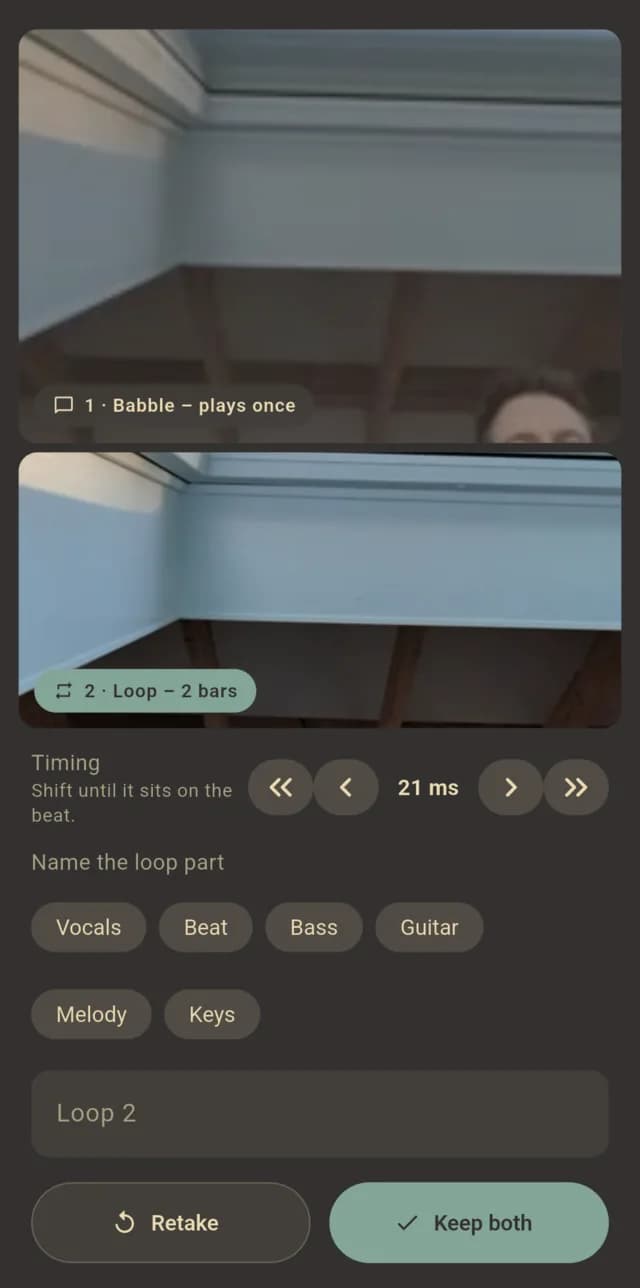
LowQart review of a Babble & Loop take: the babble part and the loop made of its last two bars
Babble & Loop
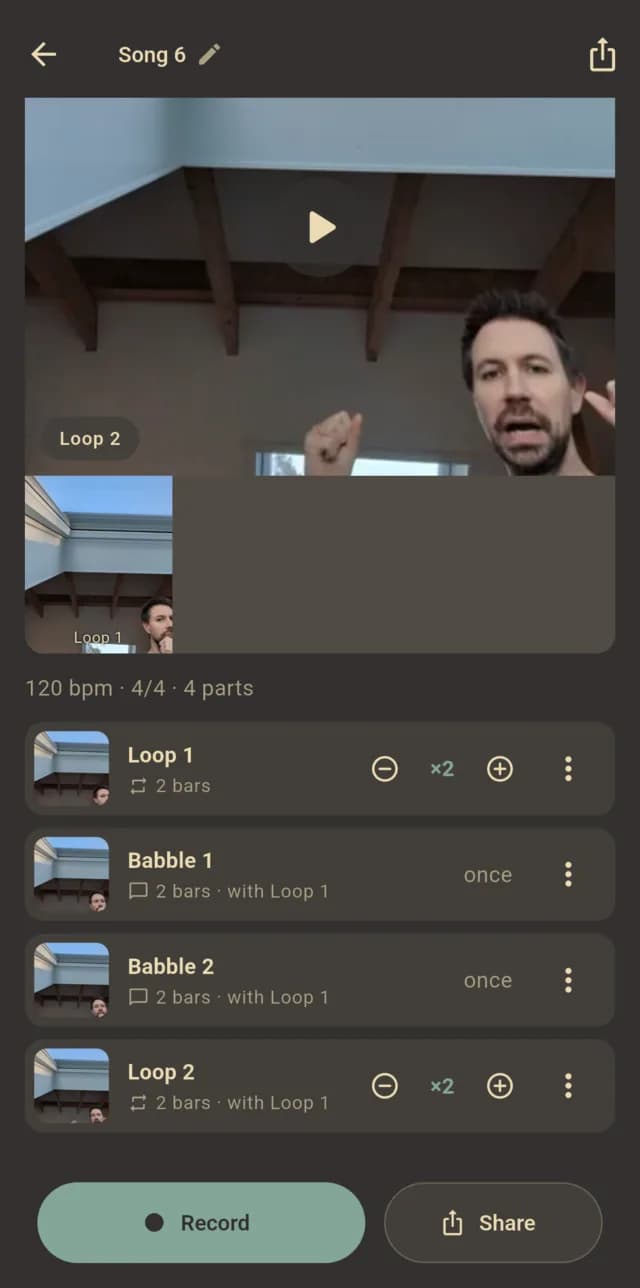
LowQart song view: the song video and the arrangement with repeats per loop
Arrange
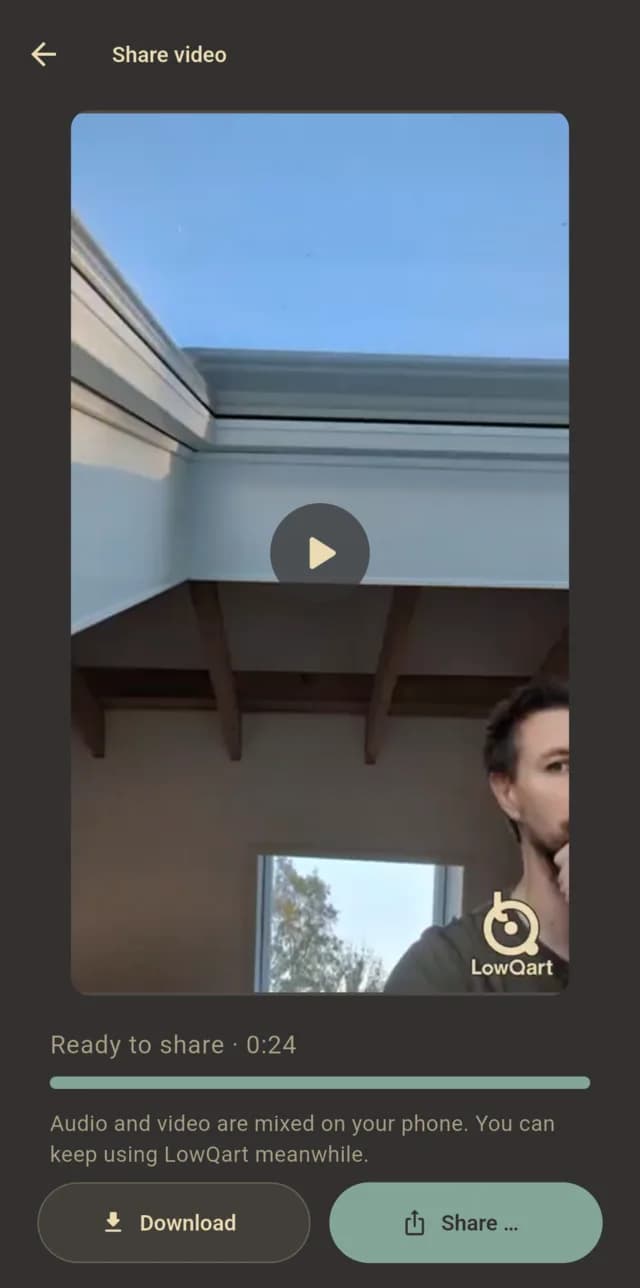
LowQart share screen: the rendered song video with download and share buttons
Download & share

Features that keep you in flow

Its basic concepts are…

Beatsync

Bluetooth headphones play every beat a little late — so you play late, too. LowQart measures that delay once per headphone and cuts every loop exactly on the beat.

Calibrate
#01
Shift the delay until the beep you hear matches the beat you see. Stored per audio device.
Whole bars
#02
Stop anytime — a loop is always cut to whole bars, audio and video at exactly the same position.
Fine-tune
#03
Not quite on the beat? Nudge a take by a few milliseconds before you keep it.

Joy

LowQart is not for recording songs in studio quality, but for enjoying making music and sharing it with others.

No fumbling
#01
No patience needed to fumble into complicated software.
No setup
#02
No motivation needed to set up and record with a microphone.
Quick
#03
Just record what is on your mind as quickly as possible.

Low Quality

You don’t have to battle with new smartphones and their top notch cameras. Old phones easily do the trick — resolution and bitrate are scaled down by the app anyway.

Front cam only
#01
To keep the quality as low as possible, only your front facing camera is supported.
sUsTaInAbIlItY
#02
Reducing the quality saves storage space on the servers of the future LowQart-Community.
Your pocket
#03
No professional hardware, no expensive software for your PC.

Talent

Compared to other content creating apps, LowQart requires a bit of talent — and you don’t get any help of AI.

No samples
#01
No samples or background instruments to put behind your loops — you record them all on your own.
No AI
#02
No autotune, no ai-optimization. The creativity and musicality of mankind should never be replaced or enhanced by AI.
Harmonize
#03
If you are a singer, record multiple voices and check if they harmonize together. Or ask a befriended drummer to play over your song.

Offline & Privacy

If you are using LowQart for recording only, no internetconnection is needed — record, edit and export your LQ-video without any online-data.

Offline
#01
Only when you want to upload from within the app, a connection is needed.
Privacy
#02
No private data will be collected by the use of LowQart.
Crash reports
#03
If ever: only open-source tools with anonymous error collection for fixing bugs.

Share your video

In LowQart you record your loops with video, so you don’t have to wrap your head around a musicvideo for your song. Be creative and combine new loops with new environments:

  • Playing guitar in the bathroom
  • Percussion in the kitchen
  • Your voice in the blanket fort
Why video
“No one watches mp3s on youtube. 1 2 Haferbrei is the only exception.”
0
AI features
1
front camera
∞
loops

Get early access

Drop your email and we'll ping you when the first build is ready.

What you'll get
  • ✓First access to builds
  • ✓Feature drops & notes
  • ✓Creator feedback rounds